 TracePlus
A local OpenTelemetry viewer for macOS.
Receives traces, logs and metrics over OTLP on localhost and shows them in a native Mac app. Nothing is sent anywhere else.
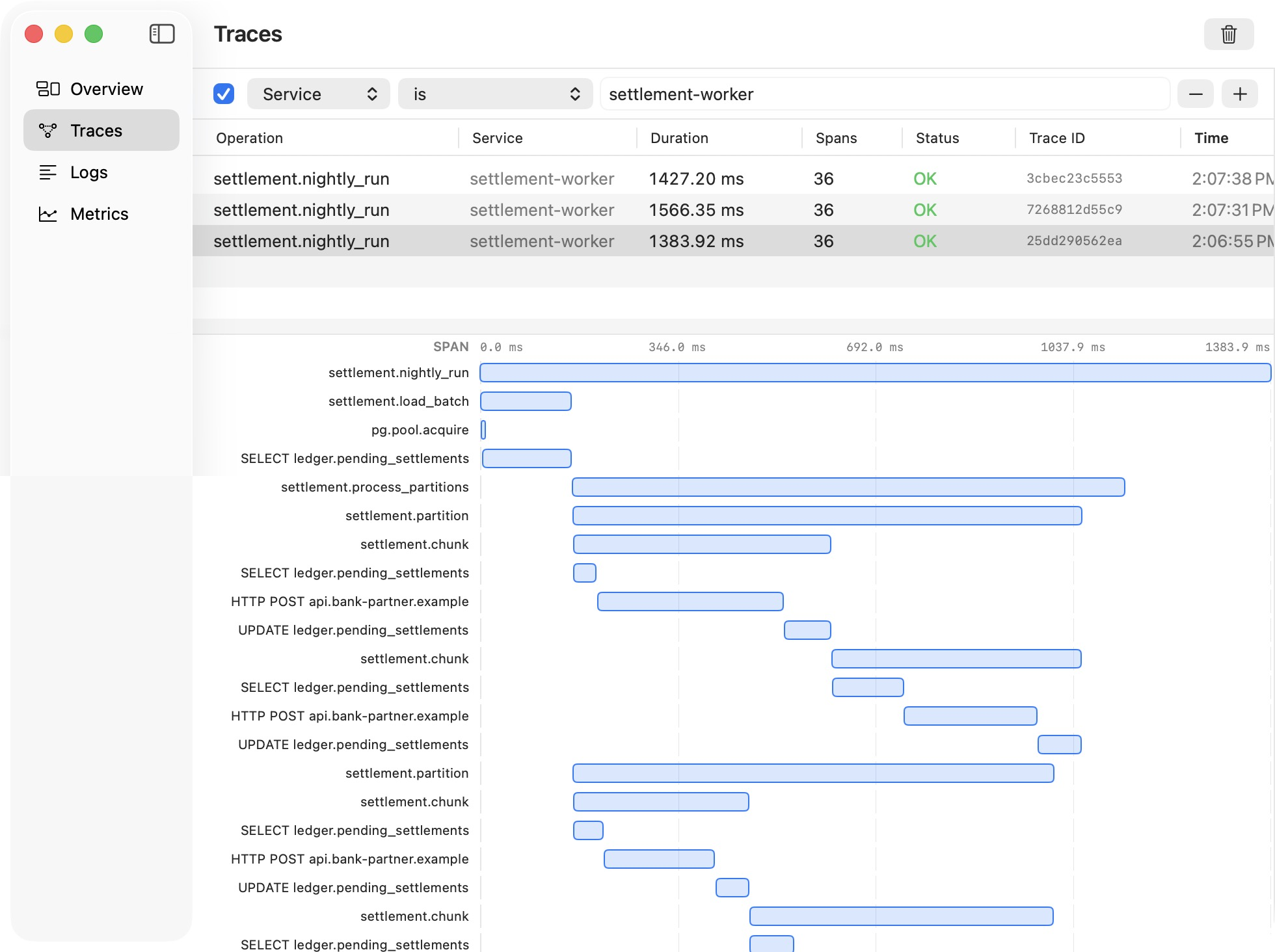
Get to the one request that matters
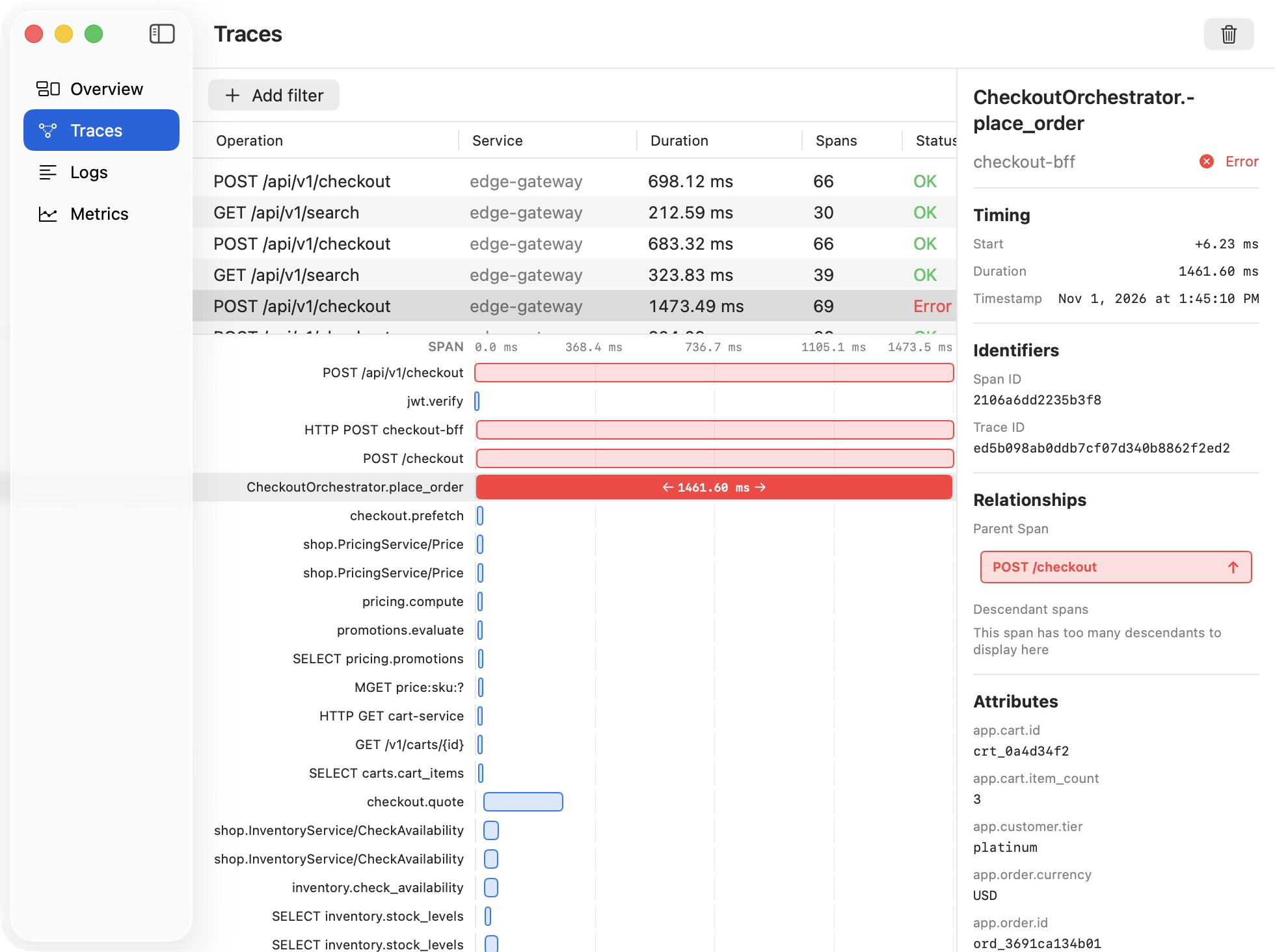
When something is slow or broken, you don't want every trace, you want a few. Filter by service, status, duration or any attribute, then open one and see exactly where the time went.
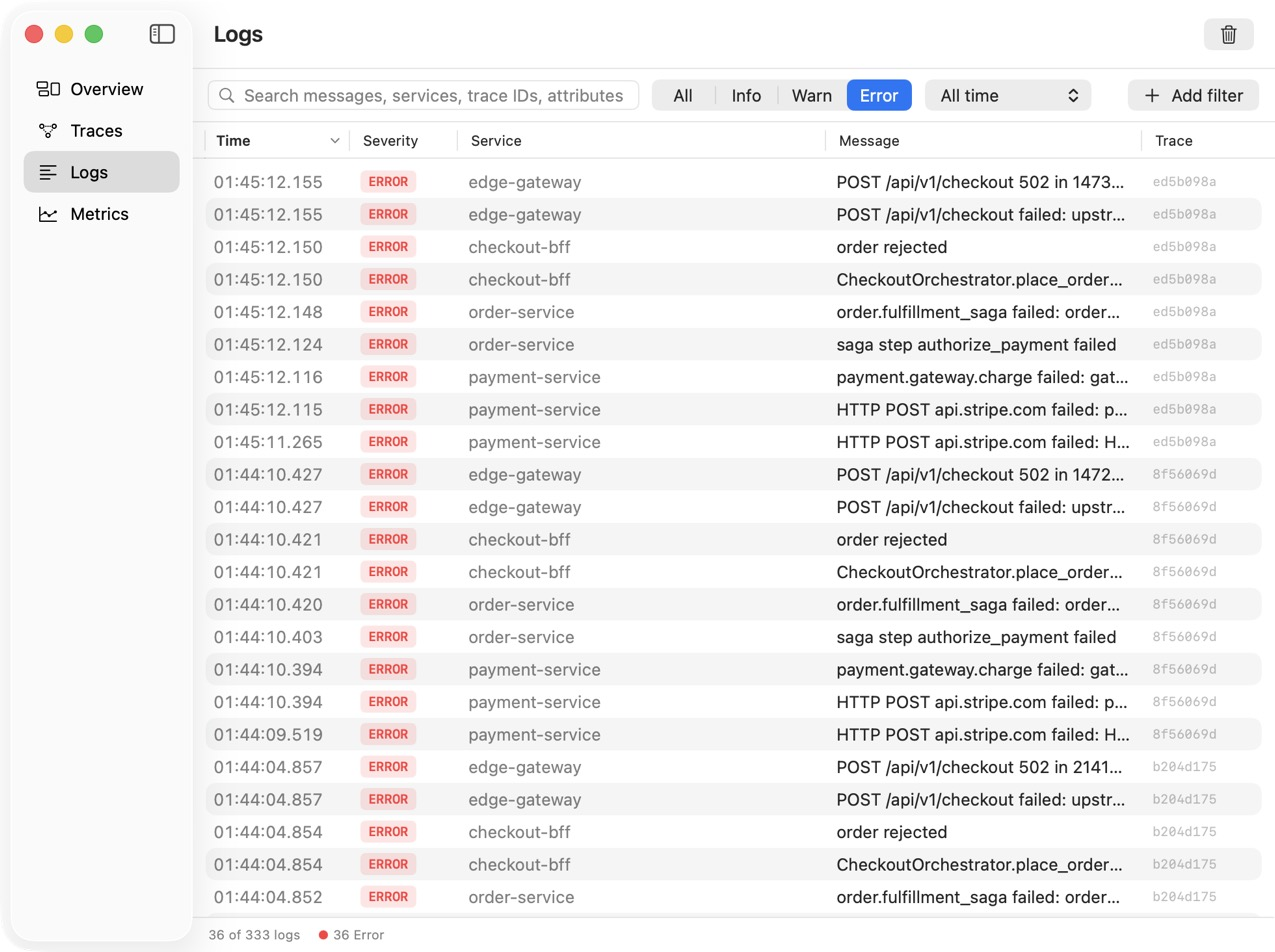
Read what the code said when it failed
Start from the errors, search for what you remember, and every line shows the trace it came from. A log message stops being a mystery and becomes part of a request you can inspect.
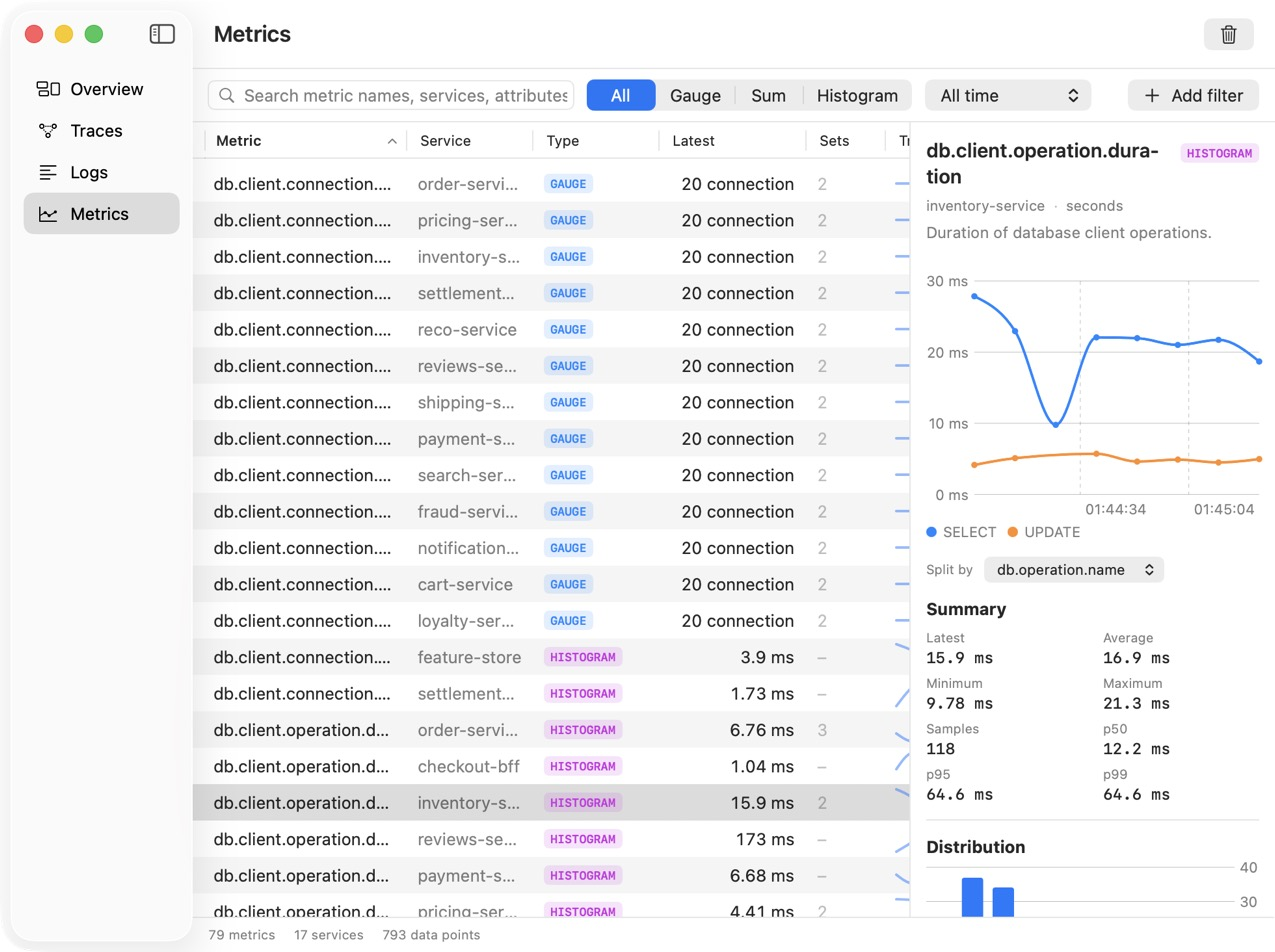
Tell a fluke from a pattern
One slow trace could be bad luck. Percentiles show whether it's the new normal, and splitting a chart by an attribute shows which operation changed.
Why observability matters
Software fails in ways nobody planned for. Telemetry is how you find out what actually happened.
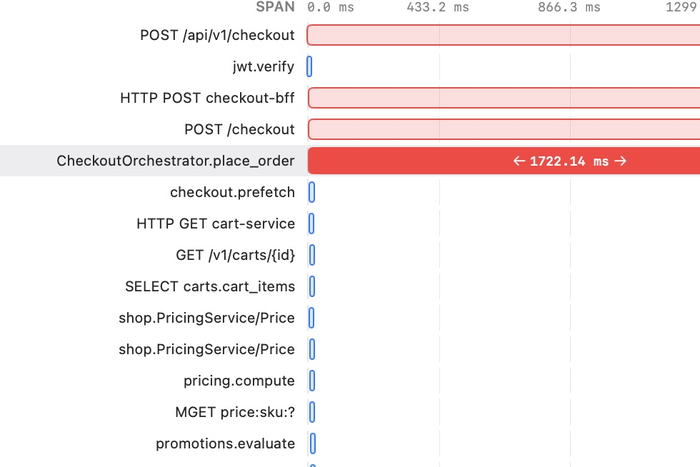
Find where the time went
A slow request is usually one slow step. The waterfall shows which one, so you fix that instead of guessing across a dozen services.
Connect a failure to its cause
A log that says a payment failed is a start. The same trace ID ties it to the gateway, the order and every step in between.
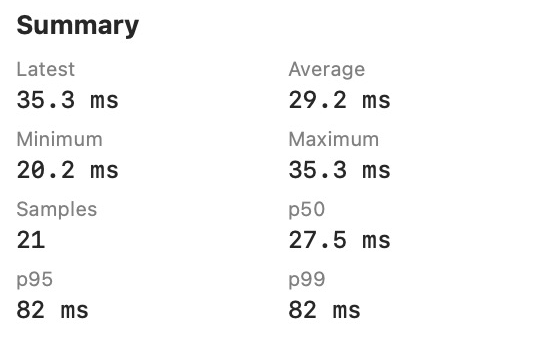
Look past the average
Open any histogram and the summary puts p50, p95 and p99 right next to the average, so a slow tail can't hide behind a healthy-looking number.